
Stylus Pen
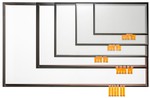
Shenzhen Huading Star Technology Co., Ltd. has evolved into a high-tech enterprise specializing in the development of electromagnetic touch screens, metal grid capacitive touch screens, 3D printed capacitive touch films, electromagnetic-capacitive hybrid touch screens, and stylus products. Leveraging its core competencies in chip R&D, circuit design, module engineering, manufacturing processes, and reliability testing, the company offers comprehensive touch product solutions tailored to customer needs.
Quality Assurance
Each shipment is accompanied by a detailed quality inspection report, ensuring transparency and addressing any concerns regarding product quality.
Research and Development Capabilities
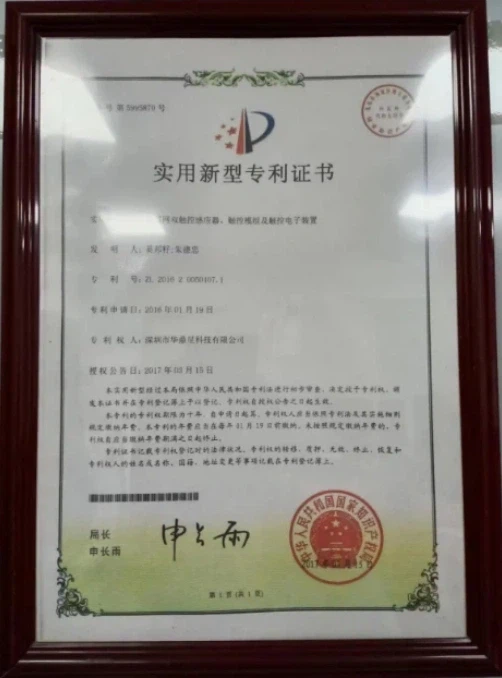
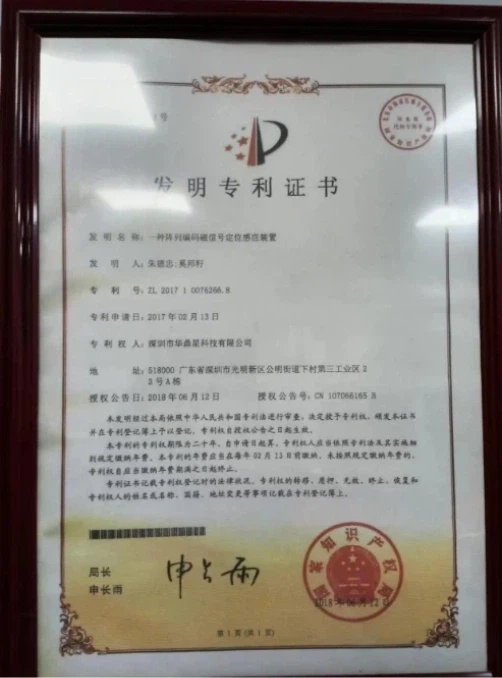
The company holds numerous domestic and international invention patents, demonstrating robust R&D capabilities and promising market potential.
Efficient Transportation Solutions
Through strategic partnerships with leading maritime, air freight, and logistics providers, we deliver optimized transportation solutions that meet your specific requirements.
OEM & ODM Available
We can accept OEM and ODM service, custom your own size/shape.


Parameter
|
Specifications |
Detail |
|
Operational principle |
Electromagnetic induction |
|
Time writer |
Single / double / four strokes support real pressure feeling, support eraser |
|
Positioning accuracy |
±0.3mm |
|
Position deviation when the pen is tilted |
± 1.5mm (relative vertical surface ± 45°) |
|
Into the pen height |
Be 5-35mm away from the writing board surface |
|
Sampling rate |
>266pps |
|
Pen pressure range |
Real pen pressure level 8192 |
|
Supply electricity |
Battery-Powered (1.5V) (+ 9dB) |
|
Keys life |
One million times |
|
Spring life |
Five million times |
|
Support system |
WindowsXP, Windows7/8/10. MAC, Andriod, etc |
|
Support software |
Microsoft Office software e-ink, PhotoShop, CorelDraw, sign-off software, PDF file writing, etc |
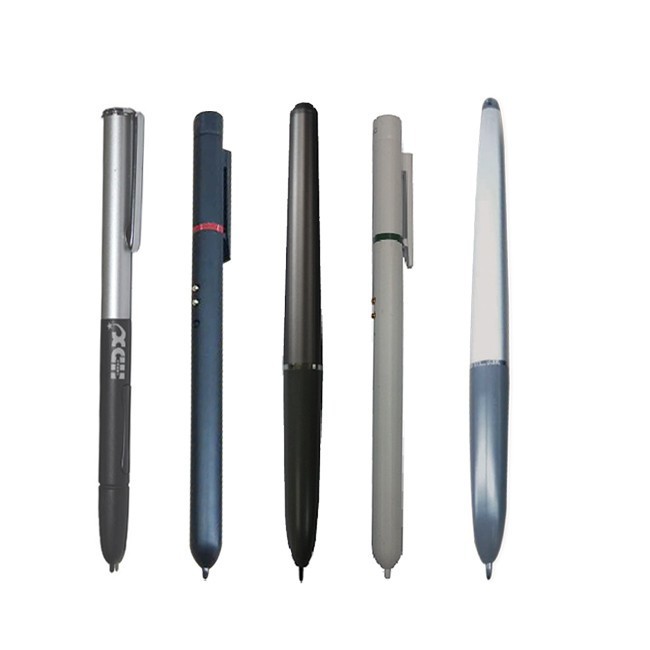
The stylus pens produced by our company mainly include the following types:
Passive Electromagnetic Stylus Pen
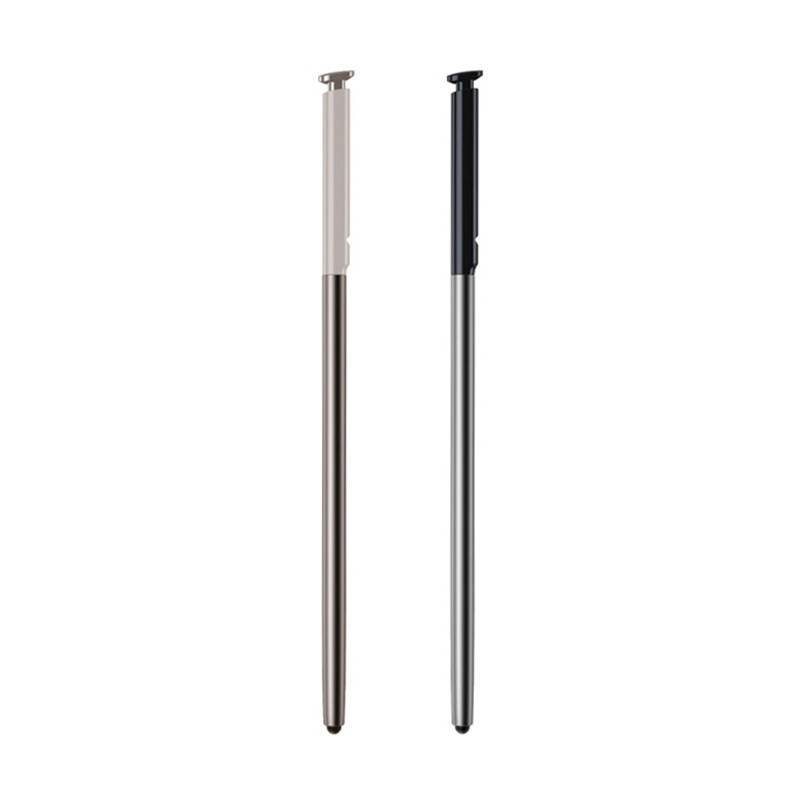
The passive electromagnetic stylus pen is also used in digital drawing and graphic design applications. They offer better precision and control than using fingers or mouse, making it easier to draw complex shapes and lines.
Active Electromagnetic Stylus Pen
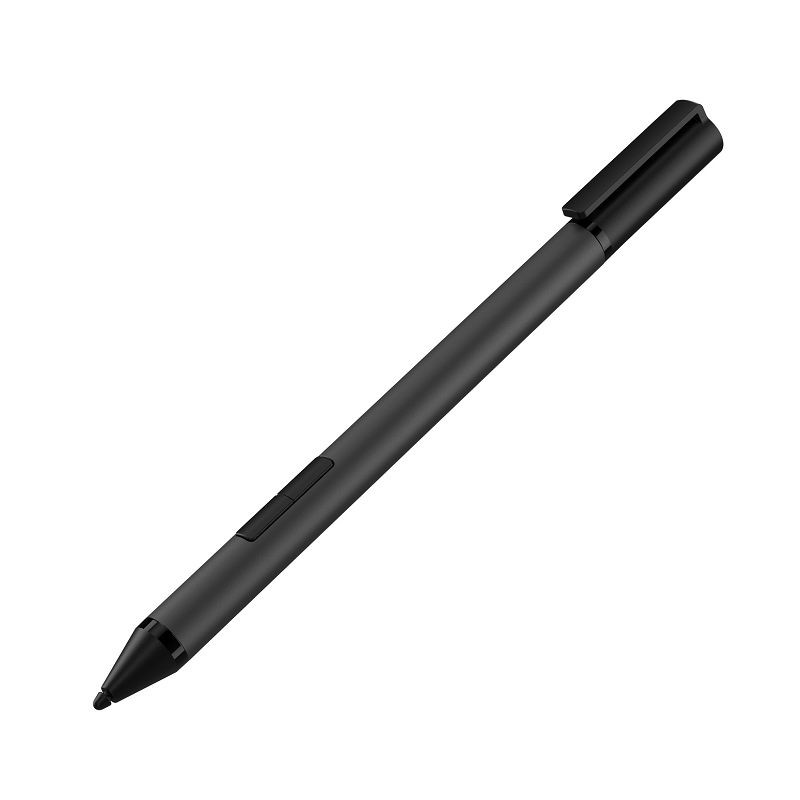
An active electromagnetic pen (also known as an active stylus) is a pen that interacts with a digital device through an electromagnetic field. Unlike the traditional stylus, which relies entirely on capacitive touch, the active electromagnetic pen uses EMG to communicate with equipment.
Advantages of Stylus Pen
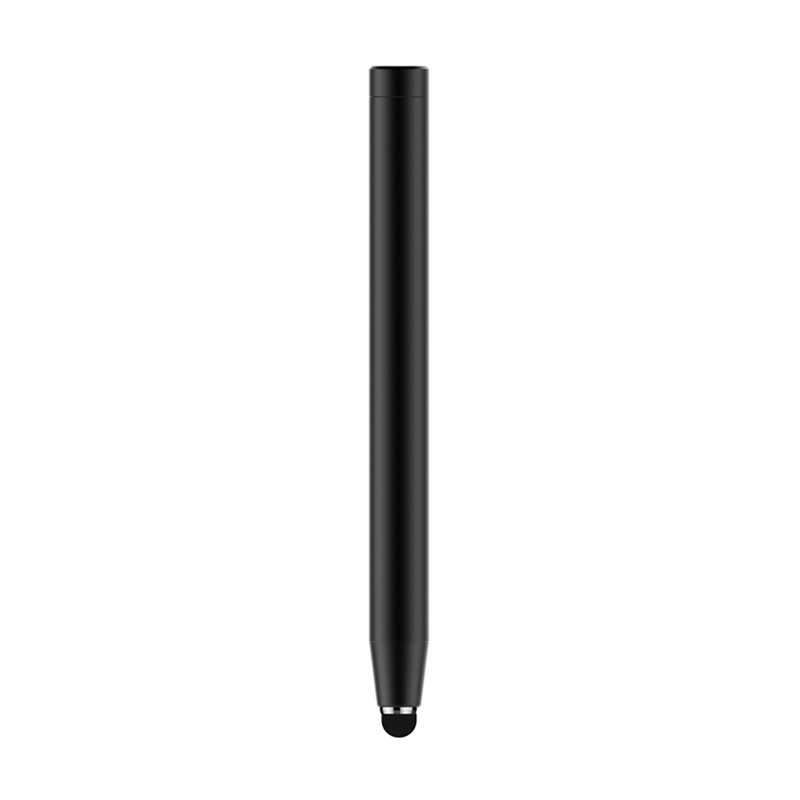
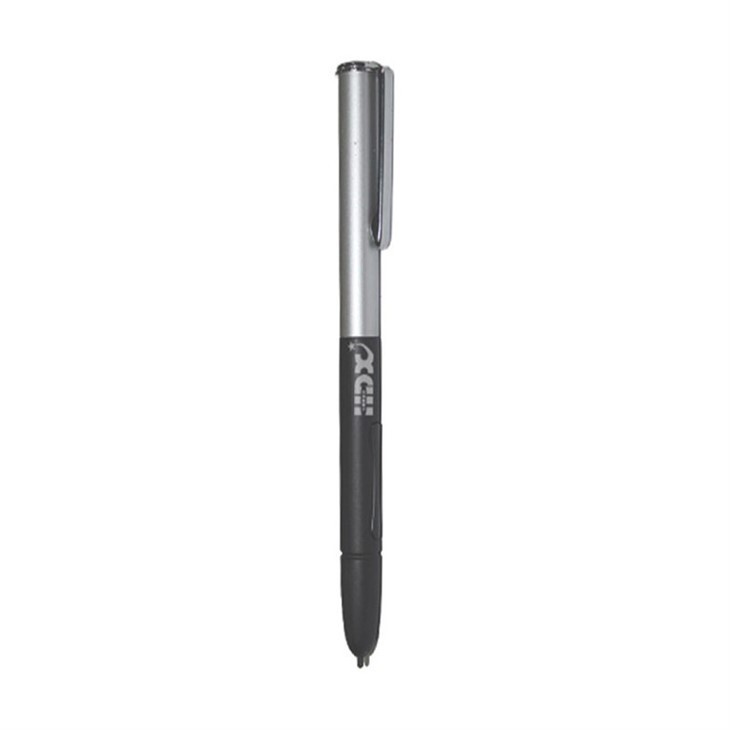

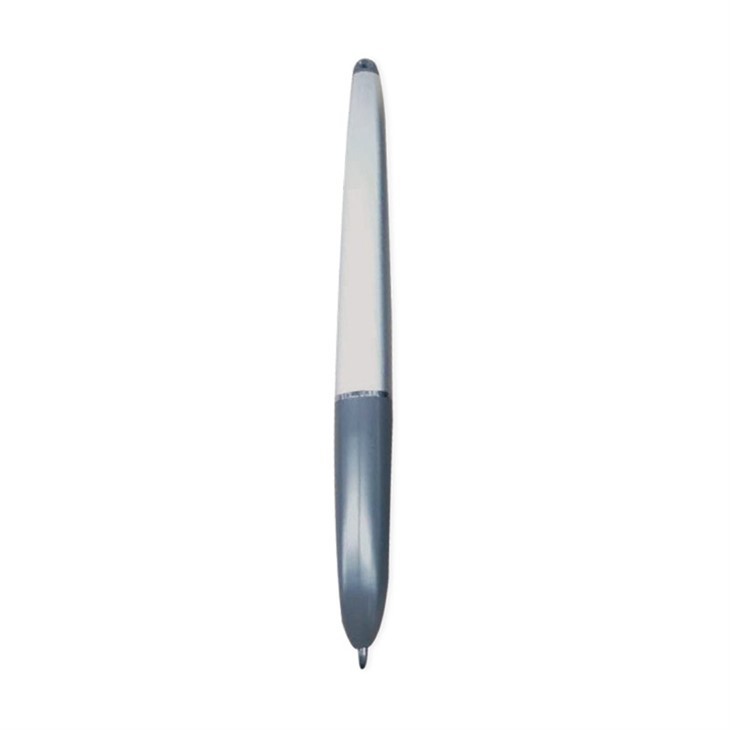
They’re great for handwritten notes
Whether you’re a college student, a busy professional, or a creative on-the-go, having the ability to jot down notes that feel more fluid than mere text will make a world of difference in your work. Whether your device of choice is a pocket-sized smartphone or a larger tablet or convertible laptop, a stylus is a sleek alternative to your fingertip that offers precise linework and legible lettering.
They’re easy to use
Though everyone’s fingers are different sizes, it’s a simple fact that fingertips are generally bulbous, clunky, and oftentimes too cumbersome to produce the meticulous precision you desire. This is where styluses reign supreme. One of the most alluring aspects of a stylus is that they are incredibly easy to use. Someone who has never seen or touched a stylus before could easily pick one up and master the basic functionality.
They’re weather resistant
Operating a capacitive touch screen in cold temperatures can be an aggravating experience. When the environment around you is cold and your fingertips are just as frigid, your touch screen device will have a hard time registering contact. This often results in a number of frustrated jabs at your screen - leaving your fingers even colder and your patience worn thin.
They offer more precise contact registers
No matter what size screen you’re working with, creating thin, precise lines can be next to impossible when the width of your fingertip covers your linework. The smaller the device, the more real estate your finger will take up as it drags along. A stylus’ smaller tip can provide increased accuracy and deliver more pristine linework than that of your fingertip.
They’re more sanitary than bare fingers
If you’re at all bothered by a screen full of greasy smudges or gunk-filled crevices, you’re not alone. Sparkling touch screens quickly transform into fingerprint-covered messes - effectively compromising the pristine status of your device. Styluses keep your screen cleaner and more smudge free than your fingertips ever could.
Comparison Between Resistive and Capacitive Stylus Pens
|
|
Capacitive Stylus |
|||
|
Passive |
Active |
|||
|
|
|
|
||
|
Touch Principle |
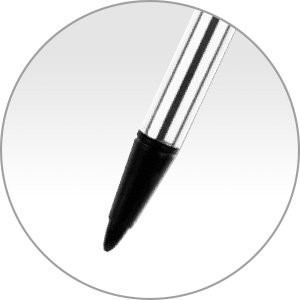
Controlled by pressure sensing and sense the resistance change of the touch position. |
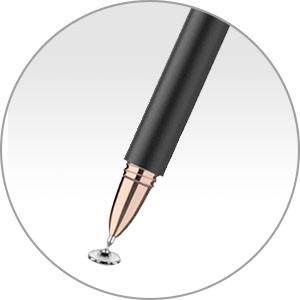
A Conductor for simulating a finger. The screen senses the capacitance change and recognizes the position. |
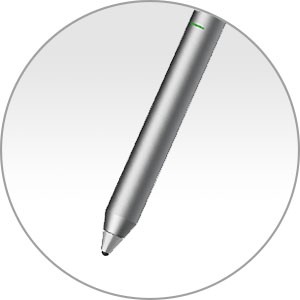
When touching on the screen, the built-in circuit of the pen emits a signal to the touch screen to make the screen senses the touch position. |
|
|
Pen Tip |
Plastic (electrical conductors is not required.) |
Soft rubber, conductive cloth, disc plastic sheet |
Polyoxymethylene (POM), copper, aluminium alloy, etc. |
|
|
Power Requirements |
– |
– |
Required |
|
|
Price |
Budget |
Middle |
High |
|
|
Compatibility |
For resistive touch screens only |
For most of capacitive touch screens |
Only for dedicated device models. |
|
|
Accuracy |
– |
Common~ Good |
Better |
|
Notes on Using the Stylus Pen
The Tail cap contains a magnet. Do not bring an object easily affected by magnetic interference (such as a credit card) close to the pen. Doing so may result in loss of recorded data.
If you use an app that uses the digital compass, keep the pen away from your computer to prevent the built-in magnet of the Tail cap from affecting the magnetometer on the computer.
You can use the pen with your hand resting on the screen. If you move the pen towards the touch screen, you cannot control the touch screen with fingers.
Depending on the screen, you may not be able to use the pen to scroll the screen.
This pen does not have a power supply switch. Insert the required battery in the pen to operate.
If the pen does not function correctly, replace the battery.
The writing feeling of the supplied nib differs from the feeling of the attached nib. Replace the nib with the supplied one to change the feeling.
To prevent them from being swallowed, keep small parts (such as the nib, Tail cap, pen hook, and battery) out of reach of children.
Customizable Options for the Stylus Pen
Tip Type
1
>>
Logo
2
>>
Color
3
>>
Appearance
4
>>
Material
5
>>
Charging Method
6
Packaging and Shipping
|
Packaging |
1. Honeycomb cartons are used outside, and pearl cotton is used inside the honeycomb cartons. 2. The goods exported to foreign countries will be packed in additional wooden boxes outside the honeycomb carton due to the impact of the humid environment of sea transportation or the impact of air transportation. 3. The packaging method can be customized according to customer requirements. |
|
Shipping |
We will help you to choose the best shipping way according to your detail requirements. By sea, by air, or by express, etc. |
Our Factory
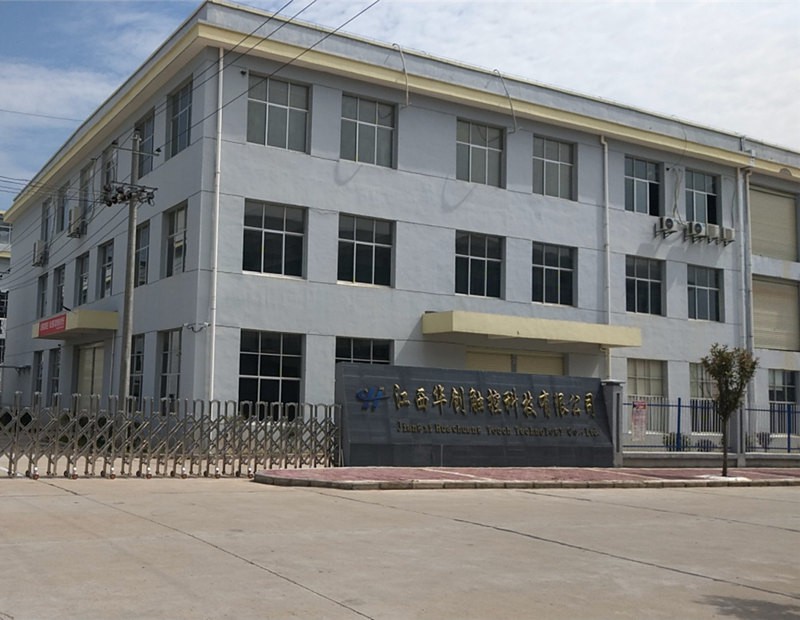
Shenzhen Huading Star Technology Co., Ltd. founded in 2012, has production bases in Daling Mountain, Dongguan, and Wan'an County, Jiangxi Province, with a total plant area of 15,000 square meters.
Honor And Qualification
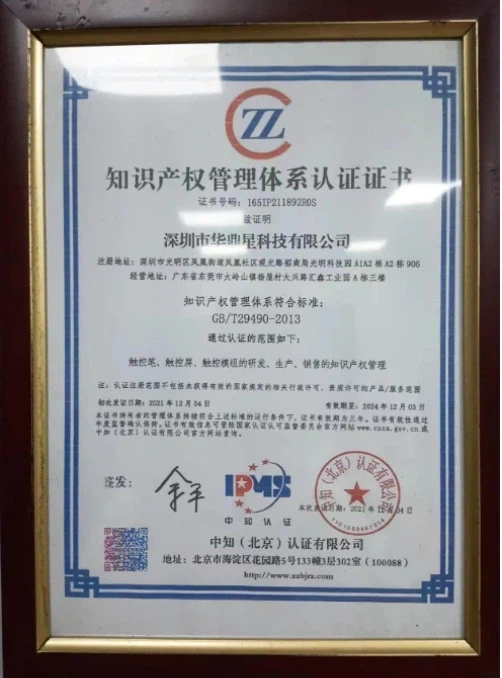
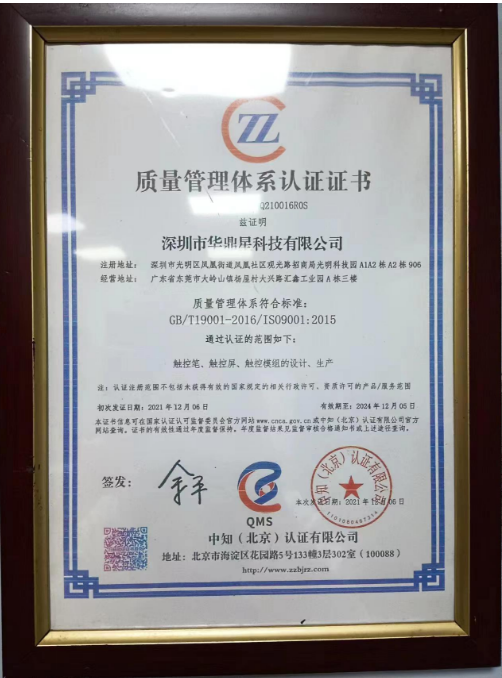
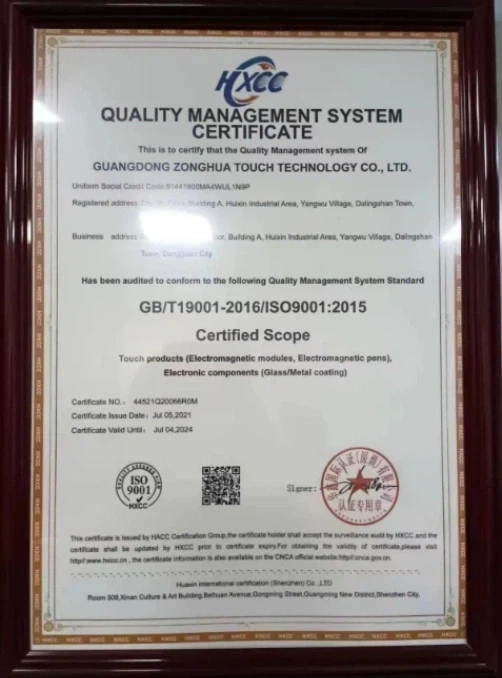
At present, the company has obtained more than 50 patents: 23 invention patents, 22 utility model patents, and 11 soft.
Our Partners