


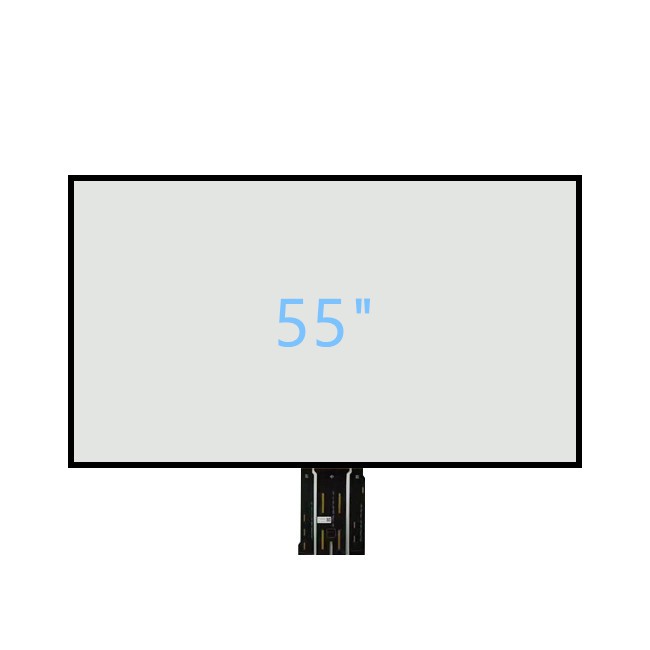

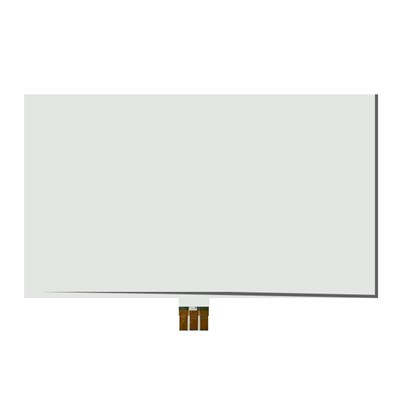
55 inch Metal Mesh PCAP Touch Foil for IFPD
* Touch Point : 40 Points Touch
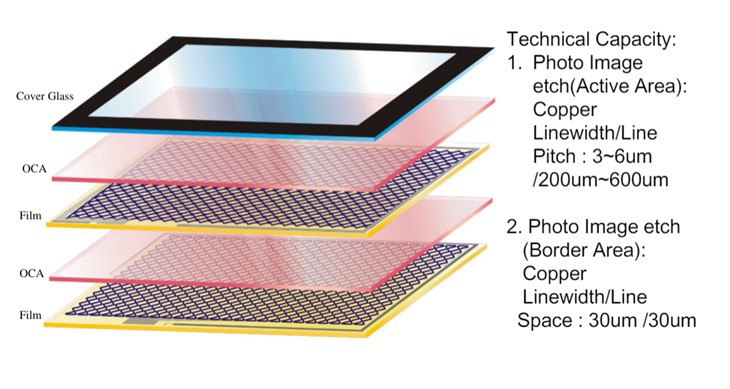
* Structure Type:FF(Metal mesh Film)
* Channel: TX72*RX128
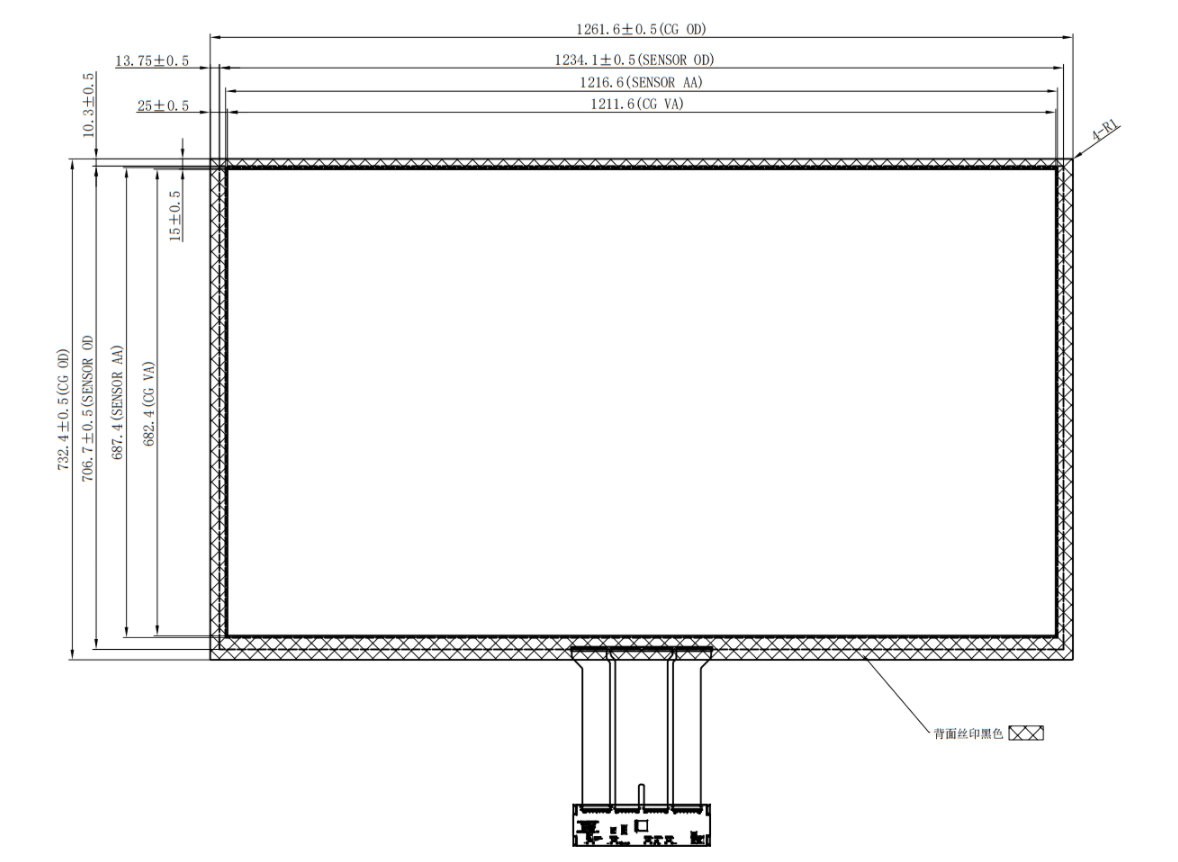
* Sensor OD:1216.6(W)×687.4(L)
* Sensor AA:1211.6(W)×682.4(L)
* Interface: USB/UART/IIC
* Total Thickness:0.5mm
* Waterproof: Support
* Certificates: CE,FCC,RoHS
* Warranty: 1 Year
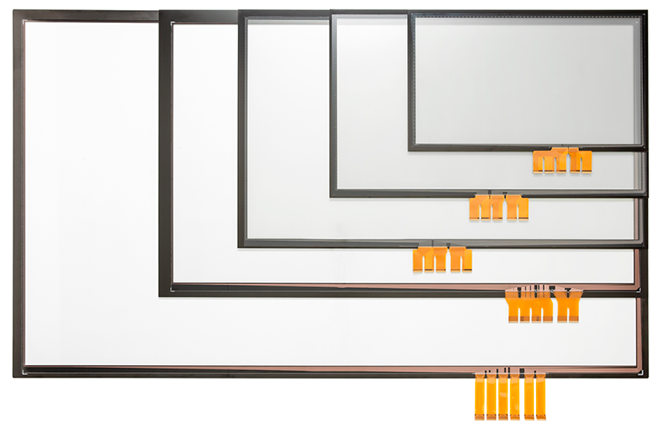
* Support Systems: Windows/Android * Support Size:10.1"-98"
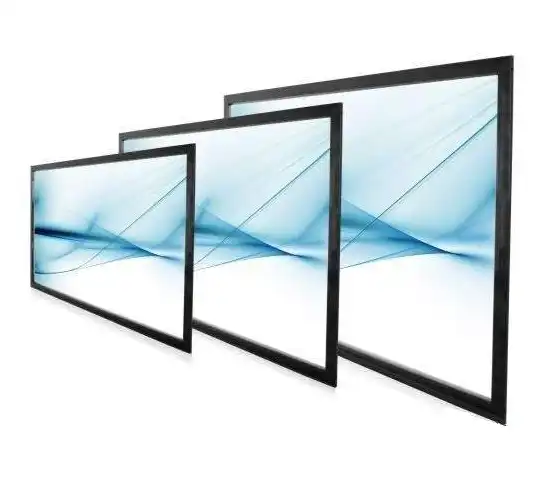
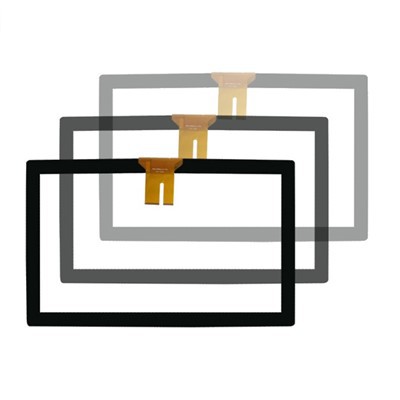
55 inch Metal Mesh PCAP Touch Foil / Touch Film for Interactive Display
Description
What is Metal Mesh PCAP Touc Foil?
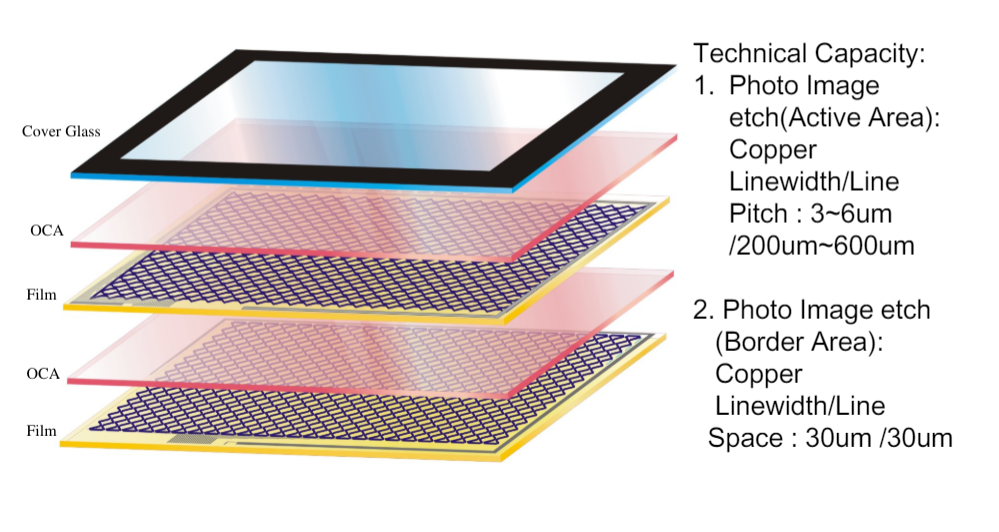
Metal Mesh PCAP Touch Foil is a high-quality touch technology that has been designed and engineered with precision. This technology is used to create touch screens that are highly accurate, responsive and durable. The metal mesh technology uses copper conductive material that is applied to a thin film and creates a grid of conductive lines that are evenly spaced apart. This grid of lines allows for electrical signals to be transmitted throughout the screen, which allows for touch inputs to be detected and registered.
Metal mesh PCAP touch foil Features
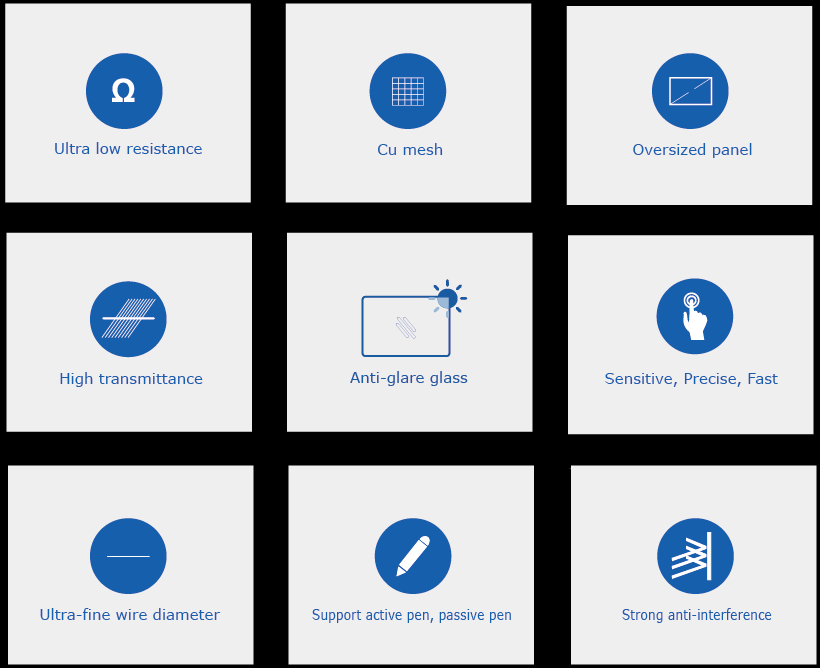
- Low resistance ≤ 1 Ω
- Bending resistance, flexible screen
- High stability
- Ultra-narrow border, which is much better than infrared touch
- High transmittance ≥86%
- Low Haze
Product Information
|
Executive system |
Android/Windows |
|
Touch point number |
40 Points |
|
Touch accuracy |
±3mm |
|
Degree of linearity |
±3mm |
|
Transmissivity |
≥86% |
|
Touch accuracy |
±2mm |
|
Outline dimension |
1227.9(W) × 706.7(L) |
|
Action area |
1216.6(W) × 687.4(L) |
|
Visible range |
1211.6(W) × 682.4(L) |
|
Inch size |
55″ |
|
Interface types |
USB/UART/IIC |
|
Structure type |
FF (Metal mesh Film) |
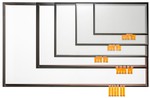
Schedule Drawing
How to paste interactive touch foil / touch film
Step 1: Prepare the Surface
The first step is to ensure that the surface where you will paste the PCAP touch foil is clean and dry.
Step 2: Peel off the Backing
Peel off the backing of the PCAP touch foil carefully. Ensure that you do not touch the adhesive layer while peeling off the backing.
Step 3: Place the PCAP Touch Foil
After peeling off the backing, carefully place the PCAP touch foil on the surface. Be sure to align it correctly with the edges of the surface.
Step 4: Smooth Out the Foil
Smooth out the PCAP touch foil using your fingers. This will help remove any bubbles or creases that may have formed during pasting.
Step 5: Test the Touch
Finally, test the sensitivity of the PCAP touch foil by gently tapping on it with your fingers. If it is properly pasted, the touch should be responsive and accurate.
how to book custom PCAP touch foil
Clients can customize PCAP touch foil to meet their specific needs,
Advise Your Requirements
The size of the foil, the number of touchpoints, the level of sensitivity, and any additional features you may need, such as anti-glare or waterproofing.
Design and Prototype
We will design and prototype your custom PCAP touch foil for your comfirmantion
Production and Delivery
Once the prototype has been approved, we will begin production and deliver the final product to you.
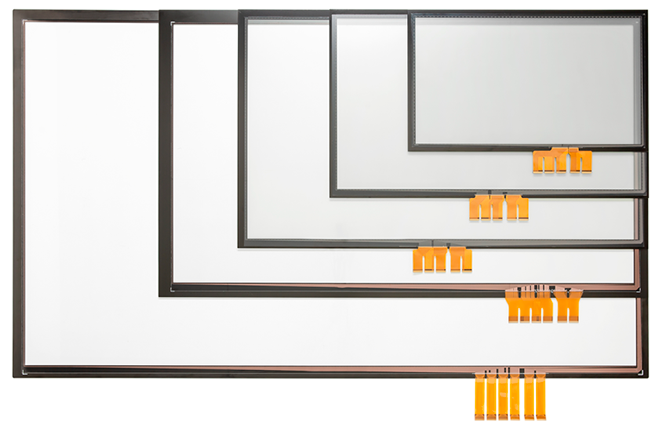
Products Customizable
① The touch foil size
② Customer Logo
③ Pasting services
④ Glass cover surface treatment AG,AF,AR
Products Application
PCAP touch foil is a highly advanced technology that enables users to interact with various devices through touch. It is widely used in various industries, including retail, healthcare, smart education, and gaming, among others.

FAQ
Hot Tags: 55 inch Metal Mesh PCAP Touch Foil for IFPD, China 55 inch Metal Mesh PCAP Touch Foil for IFPD manufacturers, suppliers, Multi touch display, 98 inch touchscreen panel, Full size touchscreen panel, Multi touch screen technology, 75 Inch Capacitive Multi Touch Screen, 65 Inch Touch Display
You Might Also Like
Send Inquiry